


Cashed App
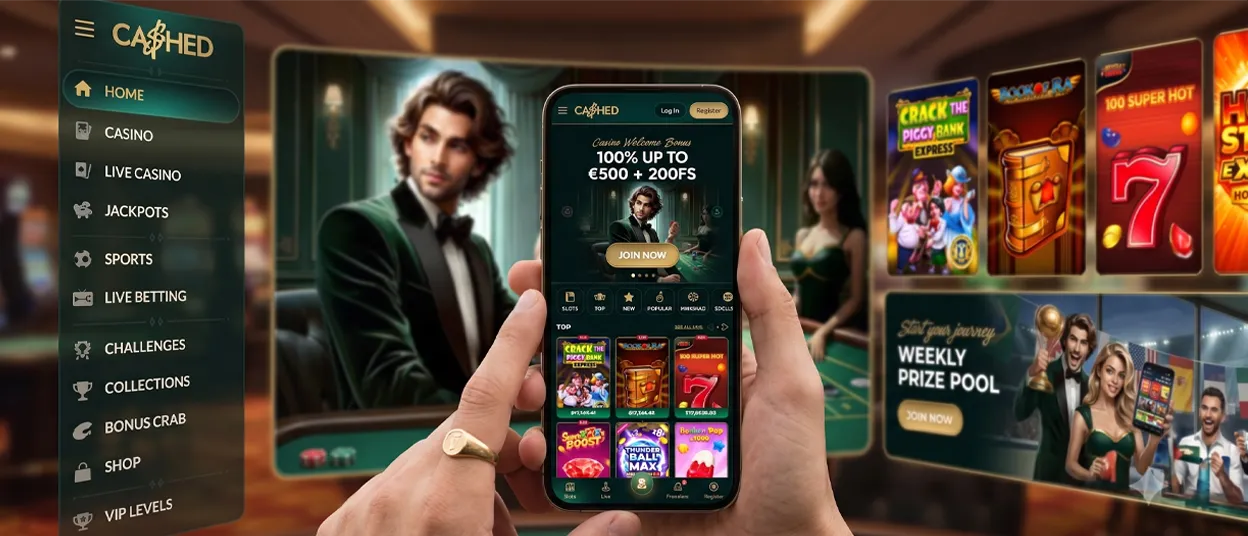
The Cashed App gives you direct access to our mobile casino through a browser shortcut. It is not a separate native application, so you do not need to download a package from an app store. Open the website on a phone or tablet, add it to your home screen, and use the new icon whenever you want to return. The shortcut leads to the mobile version of Cashed Casino. You can also open our website directly if you prefer not to create a shortcut.



Key Features
Our mobile format focuses on simple access without a separate installation file. The saved shortcut opens the Cashed Casino website from the home screen.
- Browser-based setup means there is no application package to download.
- The shortcut can use a name you choose during setup.
- Mobile access includes the game lobby and account entry.
The shortcut does not store a separate version of the casino on your device. It connects to our current website each time you open it, so an internet connection is required for play.
Navigation remains inside the online interface. You can move between game categories and provider pages without opening another program. The shortcut is only an entry point, while all account activity continues on the website.
Cashed Casino Android
Android users can add Cashed to the home screen from a mobile browser. Our setup does not require an APK file or a separate store download.
Some browsers may display an installation prompt when the shortcut page opens. If no prompt appears, use the browser menu to complete the setup manually:
- Open our website on your Android phone or tablet.
- If no installation prompt appears, tap the three-dot menu in the upper-right corner.
- Scroll through the menu and select “Add to Home screen.”
- Enter a name for the shortcut and confirm the action.
The browser will place a new icon on the home screen. Use it to open Cashed Casino without entering the web address again.
Cashed App for iOS
iPhone and iPad users can create the same type of website shortcut through the iOS share menu. The process uses a different menu from the Android version.
- Open our website and tap the Share icon, shown as an arrow coming out of a box.
- Find “Add to Home Screen” in the menu and tap it.
- Choose a label for the new icon, then confirm your choice.
iOS will then place the icon on your home screen. Use it as a direct entry point for the mobile casino.
The saved item remains a website shortcut rather than an iOS installation file. You can move the icon to a convenient position in the same way as other home-screen items.
Cashed Application for Windows/macOS
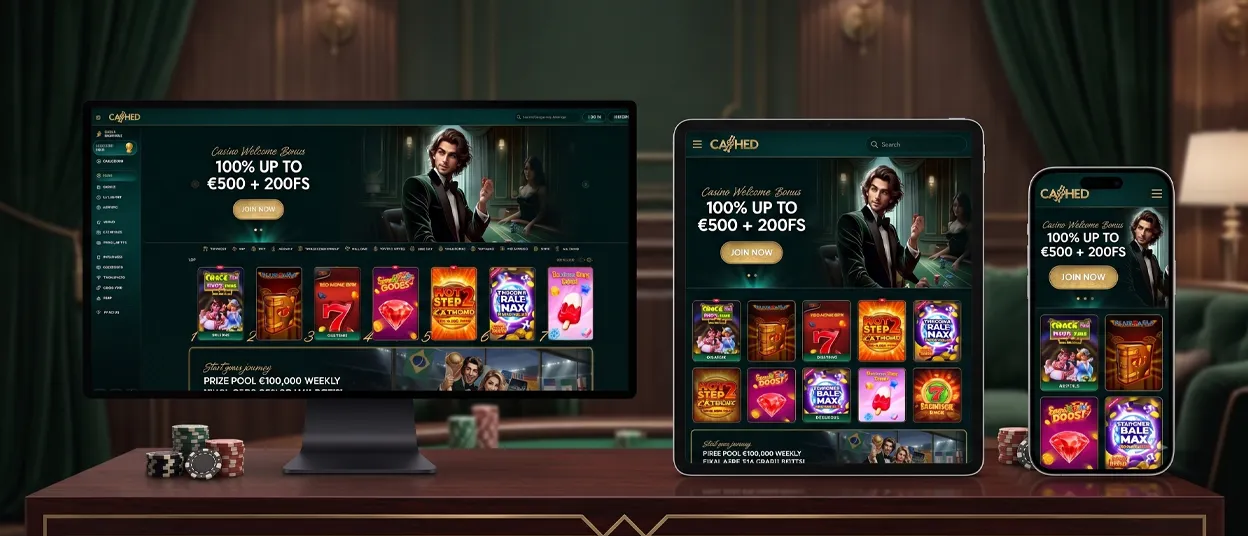
We do not currently confirm a separate Windows or macOS application. Cashed Casino remains available through a regular desktop browser, so no program needs to be installed.
Open the website and sign in through the normal account area. You may save a browser bookmark for quicker access, but it is not the same as an installed desktop application. Since no desktop installation package is confirmed, avoid downloading files that claim to provide one.
A bookmark can be placed in the browser’s favorites bar for easier access. This keeps the normal browser controls available and does not add extra software to the computer.
FAQ
Do I need to download the Cashed App?
No, you can open Cashed directly in a mobile browser or add the website shortcut to your home screen. No native installation package is required, and the setup is completed through the browser menu. The shortcut is optional and can be created later.
Can I play Live Casino games on the Cashed app?
Yes. Our mobile website includes the Live Casino section, although the availability of an individual title can depend on the device or browser. A stable internet connection is important because the games run online and stream live content.
Can I try games in the Cashed app for free before playing with real money?
Yes, many games display a Demo option in the lobby. Demo access is common among slots and table games, while selected live or instant titles may also support it. Availability depends on the individual game.


